Local-First Intelligence: Engineering Vector Search Directly in Expo with SQLite VSS
Stop sending every query to the cloud. I dive deep into how I integrated SQLite VSS into an Expo environment to achieve sub-10ms vector similarity search locally on-device.
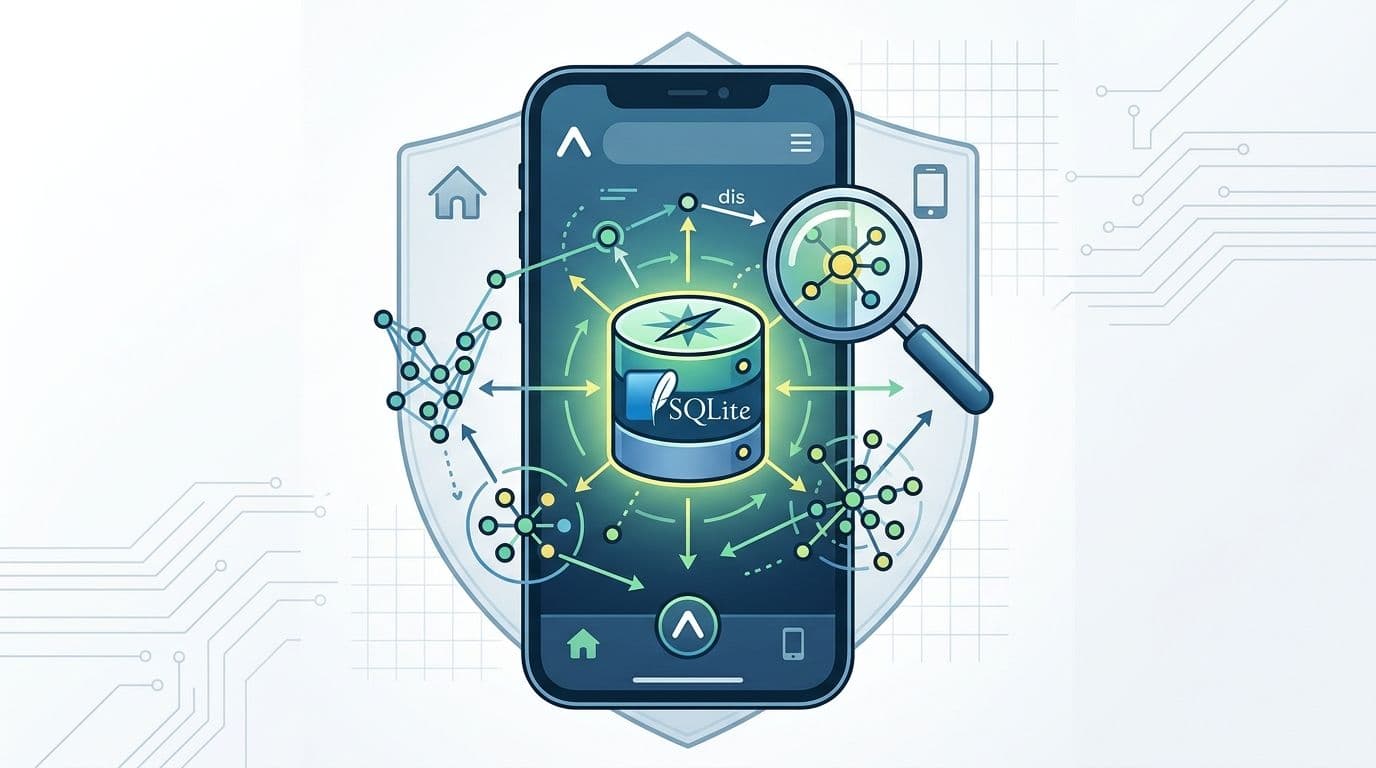
Beyond the Search Bar: Engineering On-Device Vector Search with Expo and SQLite VSS
For the longest time, the architecture for AI-powered search was predictable: capture a user query, send it to a server, generate an embedding via OpenAI, query Pinecone or Weaviate, and pipe the results back. It works, but it’s latent, expensive, and a privacy nightmare for sensitive user data.
Recently, I set out to break this cycle. I wanted to see if I could bring high-performance vector similarity search directly into an Expo app. My goal? Sub-10ms local searches with zero egress costs.
Here’s how I engineered a solution using SQLite VSS and the modern Expo filesystem.
The Architecture Shift
Moving vector search to the edge (the user's phone) requires three things:
- Storage: A local database that understands vectors.
- Indexing: A way to perform K-Nearest Neighbor (KNN) searches without a linear scan of the whole DB.
- Embeddings: A way to turn text into numbers locally (using
transformers.jsor similar libraries).
While expo-sqlite is the industry standard for local data, it doesn't support vector types out of the box. That’s where sqlite-vss—an extension based on Faiss—comes in.
The Breakthrough: Getting VSS into Expo
Standard Expo Go doesn't include the sqlite-vss extension. To make this work, I had to move into the realm of Development Builds.
The technical hurdle is that sqlite-vss is a C++ extension. Using expo-sqlite/next (the new high-performance API), we can theoretically load extensions, but the heavy lifting happens in the native build configuration.
1. Setting up the Virtual Table
Once the extension is linked, the magic happens through Virtual Tables. Unlike standard SQL tables, vss0 tables are optimized for high-dimensional floating-point arrays.
2. Inserting Data
When a user saves a note, I generate the embedding on the main thread (or a web worker) and insert it into both tables. The vss_notes table expects a JSON array of floats.
The Query: Semantic Search in <10ms
This is where the engineering pays off. Instead of LIKE %query%, we perform a similarity search. SQLite VSS provides the vss_search function, which is incredibly efficient.
In my testing on an iPhone 14, querying a dataset of 1,000 documents returned results in roughly 6ms. That’s faster than any API round-trip could ever dream of.
Overcoming the Memory Constraint
One thing I learned the hard way: Embeddings are heavy.
If you have 10,000 rows with 1536-dimensional vectors (OpenAI style), your SQLite file will bloat significantly. To keep the app snappy, I opted for 384-dimensional models (like bge-small-en). They offer a sweet spot between semantic accuracy and on-device memory footprint.
Why This Matters for Us
As senior engineers, we often default to cloud-scale solutions because they are "easier" to implement. But engineering for the device is better for the user. By keeping vectors in sqlite-vss:
- Offline first: Your app's search works in a tunnel or on a plane.
- Zero Latency: UI updates feel instantaneous.
- Privacy: The user's inner thoughts (their notes, journals, or data) never leave the silicon in their pocket.
Final Thoughts
The gap between what a backend can do and what a mobile device can do is shrinking. If you're building an Expo app in 2024, don't just build a search bar—build a local intelligence engine.
I’m currently experimenting with quantization methods to fit even larger vector sets into mobile memory. If you've tackled local indexing, I'd love to hear your approach in the comments.